
Topic
Sign in to the Everbridge Community
Description
This guide offers a detailed, step-by-step walkthrough on how to sign in to the Everbridge Community.
Go to public.everbridge.net
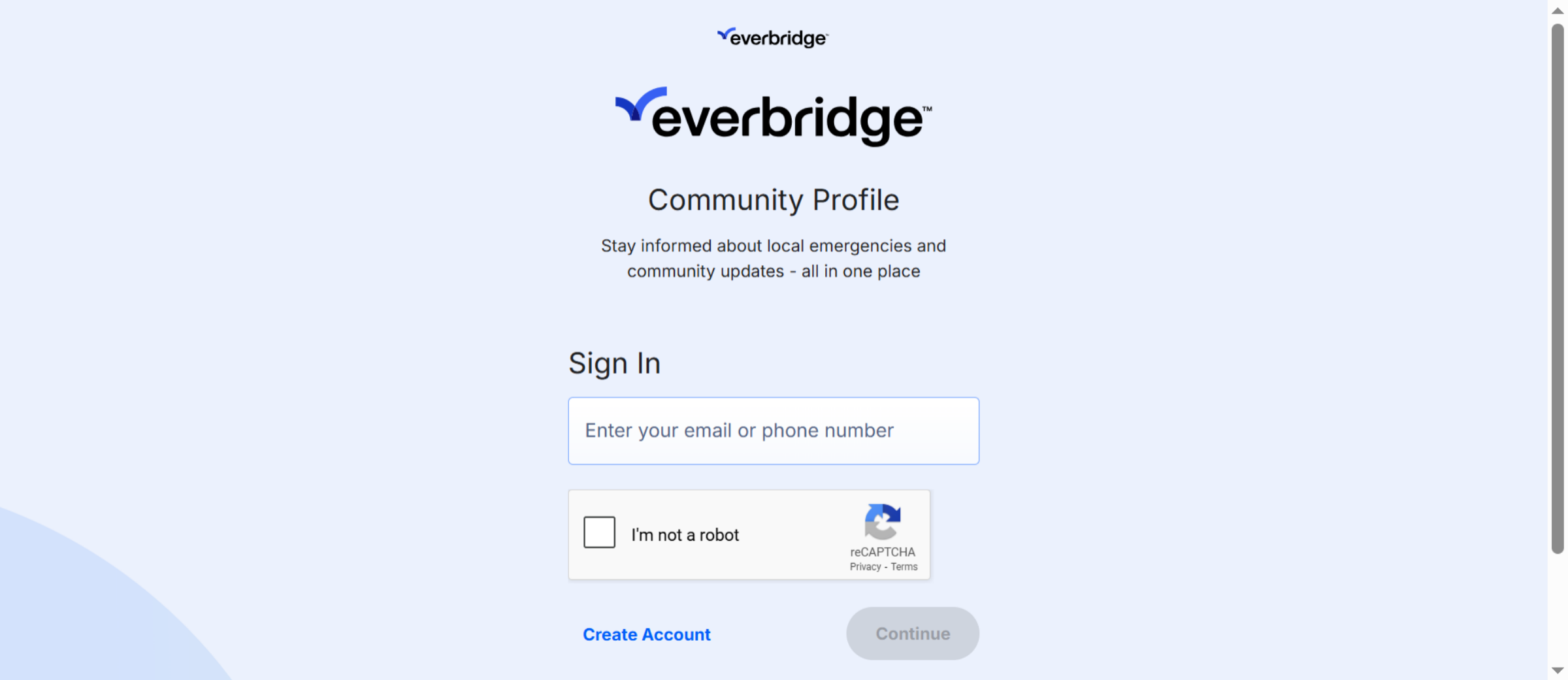
1. Sing In Page
To access the login screen, simply navigate to the Everbridge Community sign-in page.
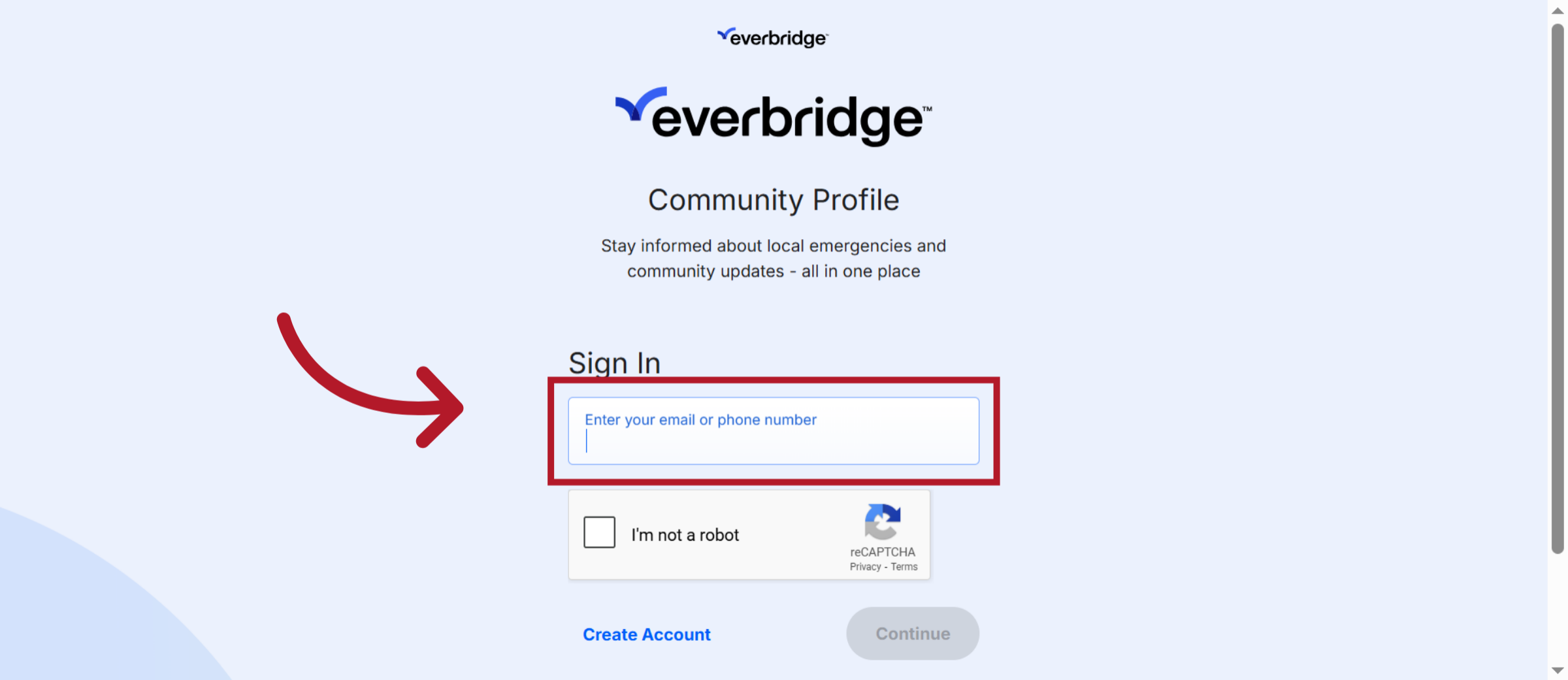
2. Click to Enter Details
Enter your contact number or email address here to sign in.
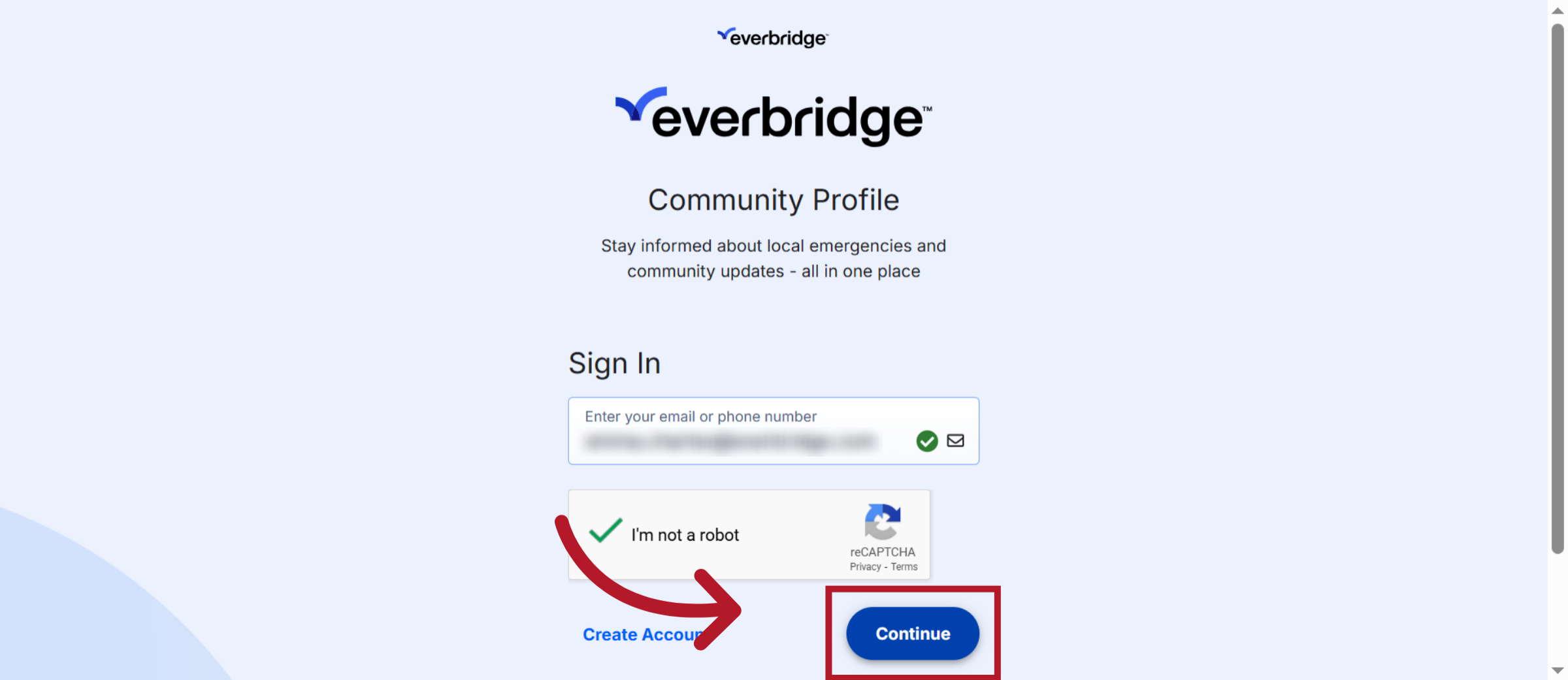
3. Click "Continue"
After entering your email address or phone number, click the 'Continue ' button.
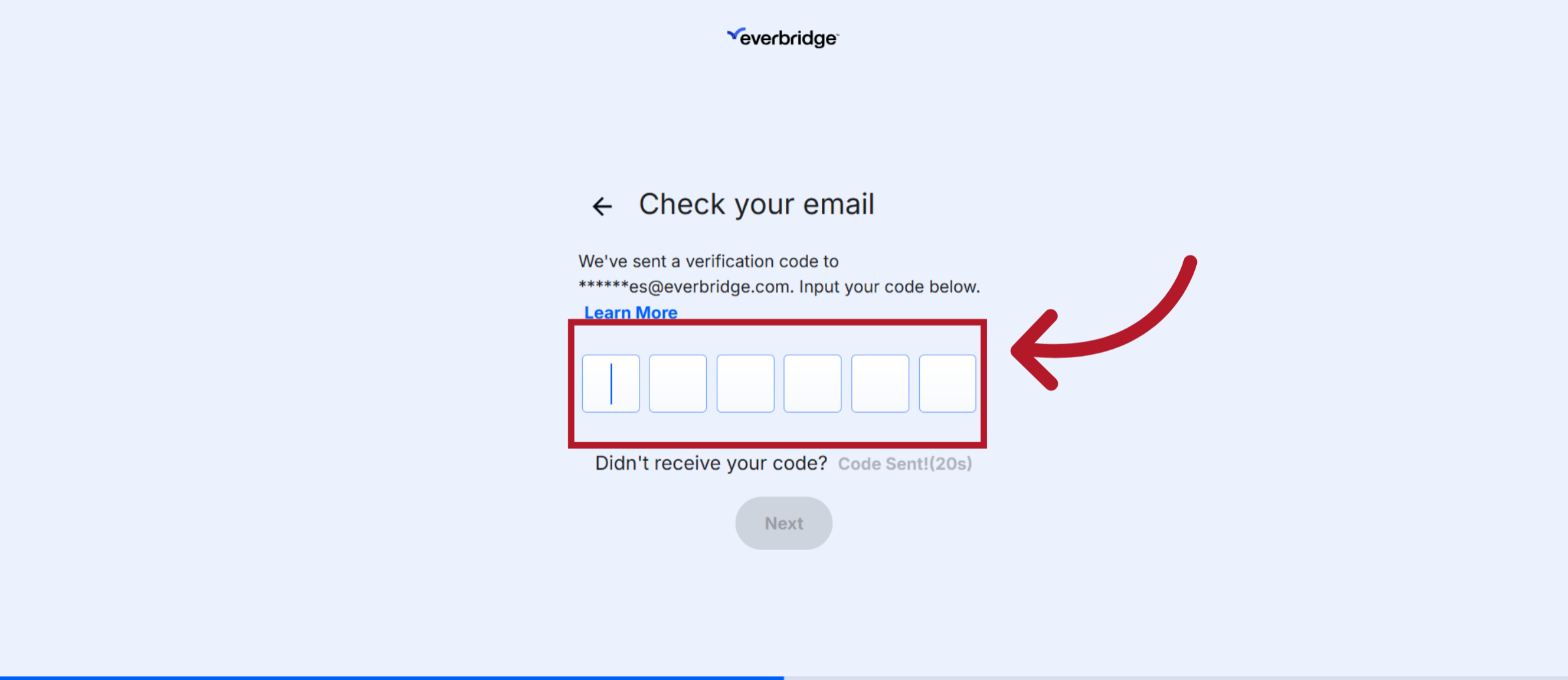
4. Verification Code
A verification code will be sent to your phone or email address. It’s essential to keep this code confidential—never share it with anyone, including Everbridge representatives. Remember, Everbridge will NEVER request your verification code.
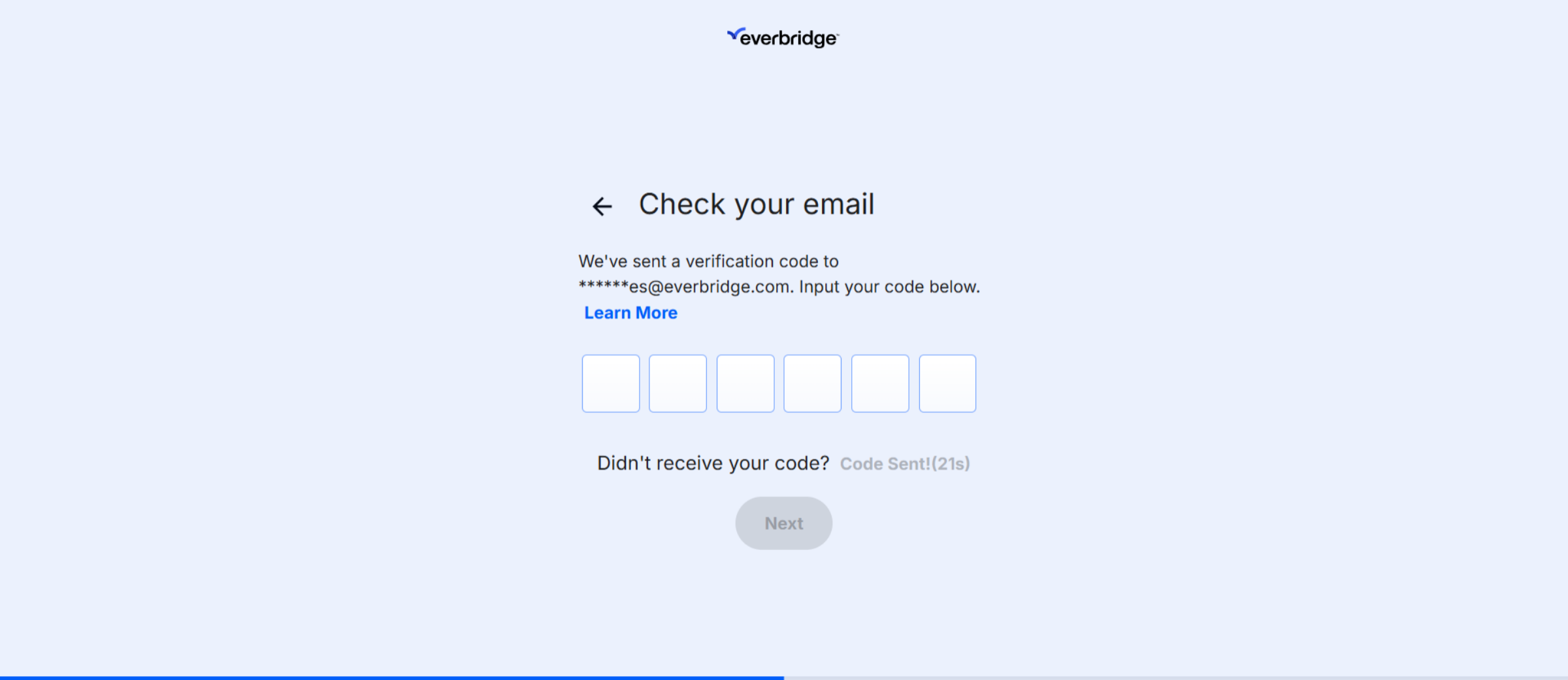
5. Enter Verification Code
Enter the verification code in the designated field. If you haven't received the code, we recommend checking your junk or spam folder. Additionally, ensure your phone has a good signal if you're expecting an SMS. If you still haven't received the code, frequest a new one to be sent.
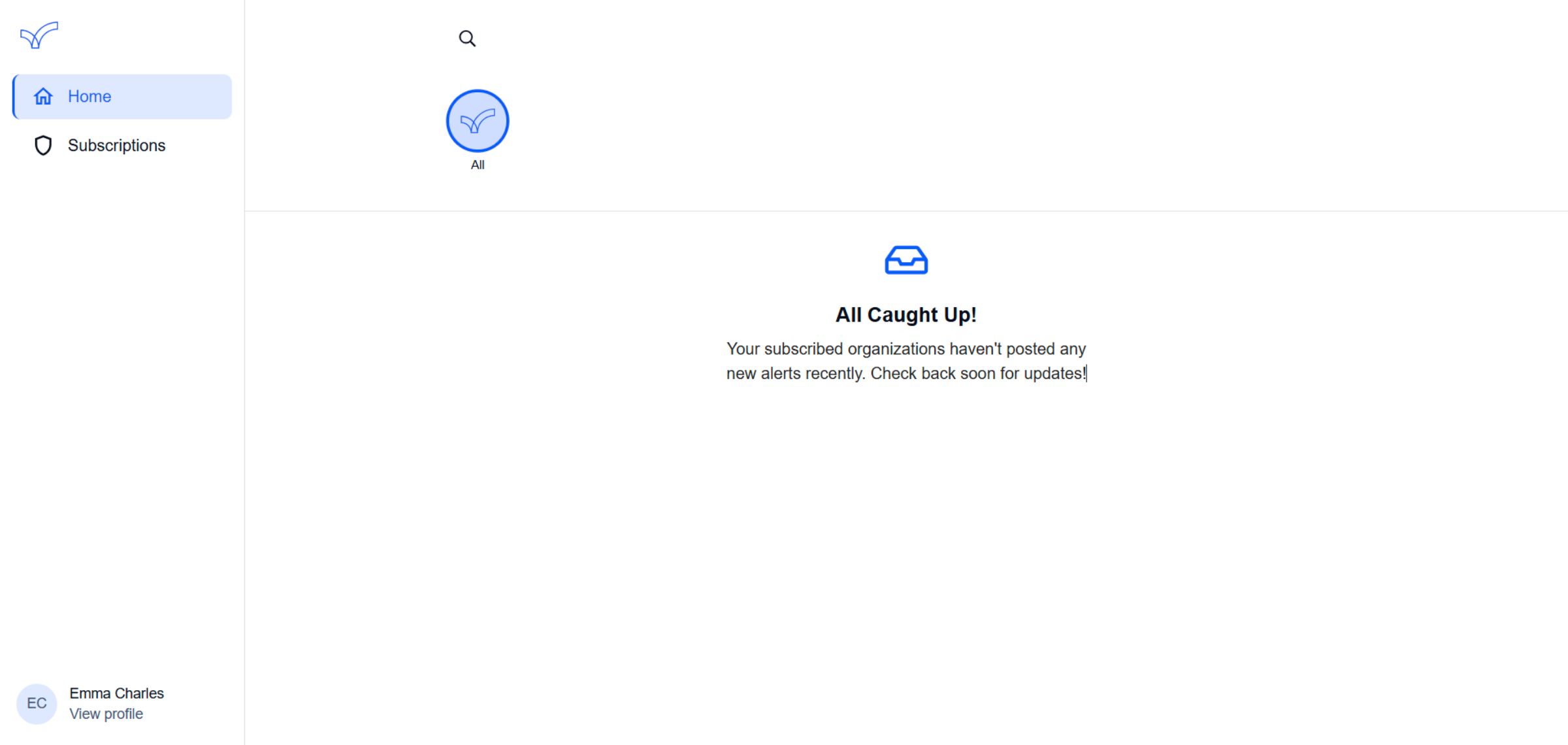
6. Logged In
You will then be logged into your community site.
This guide outlines the essential steps to successfully sign in to the Everbridge Community.