EB360: Recovering Your Everbridge Manager Portal Username

Topic

Recovering your Everbridge Manager Portal username.

Description

00:00:

00:05: This video walks you through the process of recovering your everbridge manager portal

00:09: username.

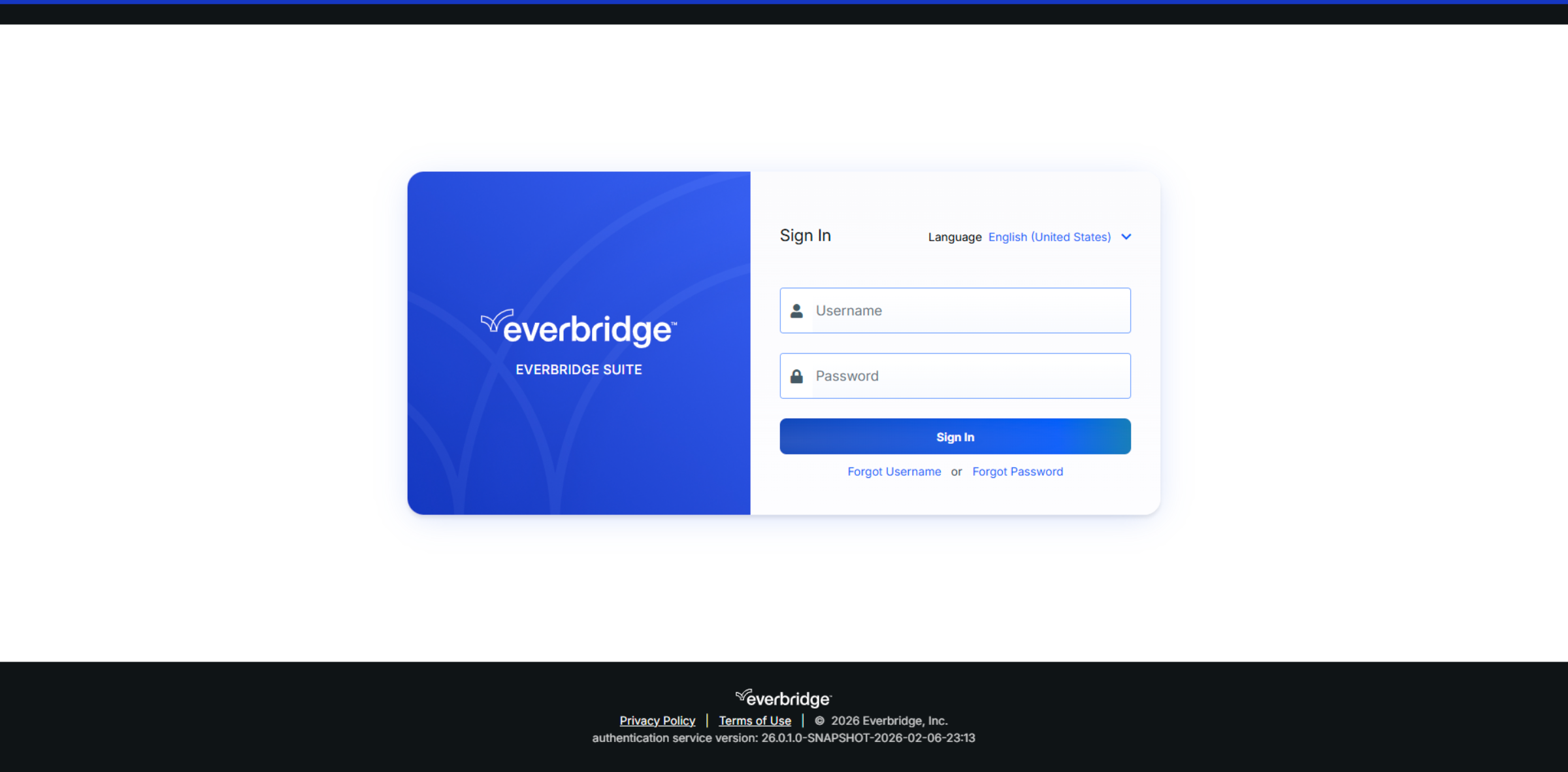
00:11: Navigate to manager.everbridge.net or manager.everbridge.eu.
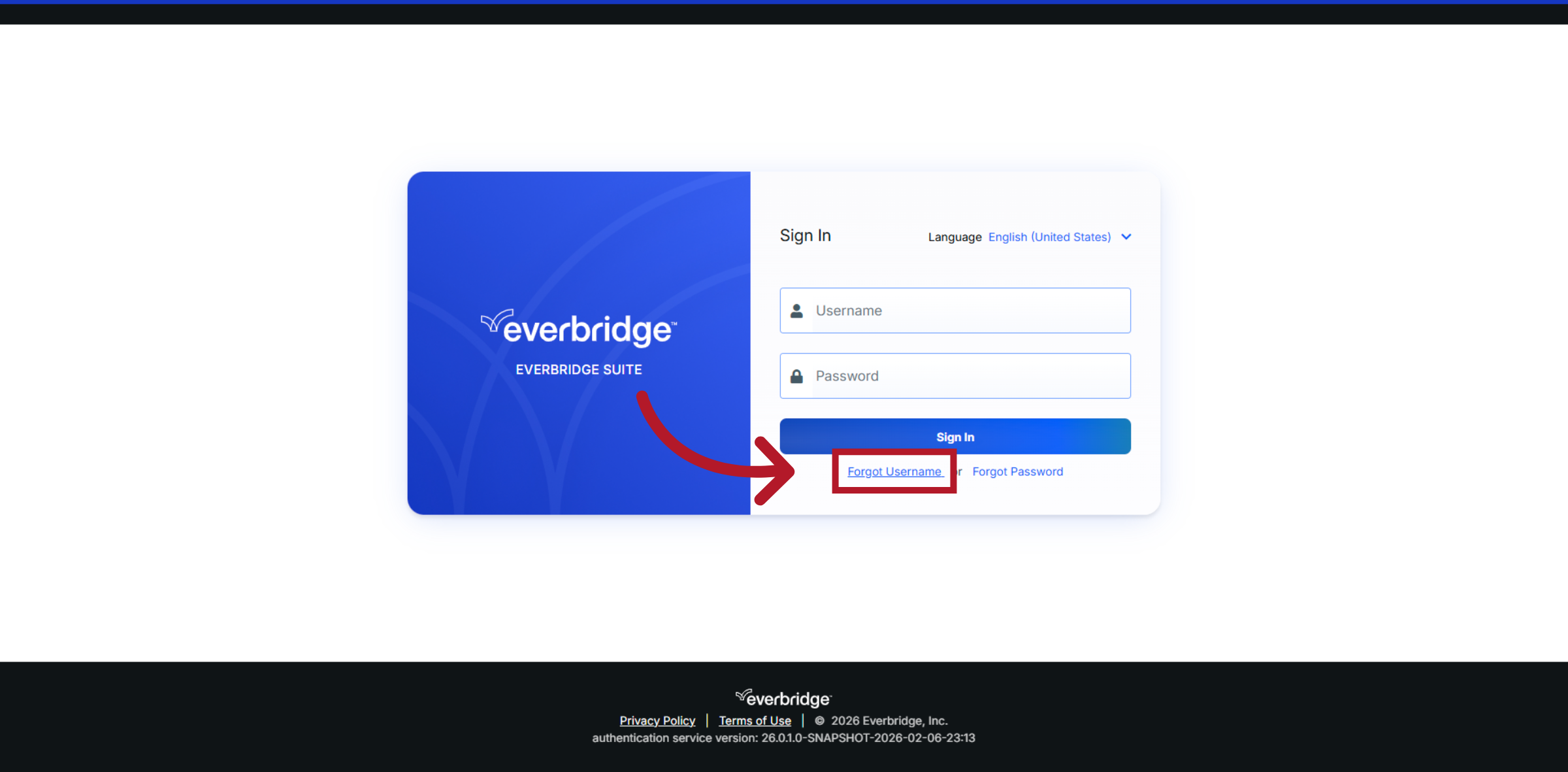
00:16: Click the "Forgot username" link on the Everbridge login page to start the username recovery process.
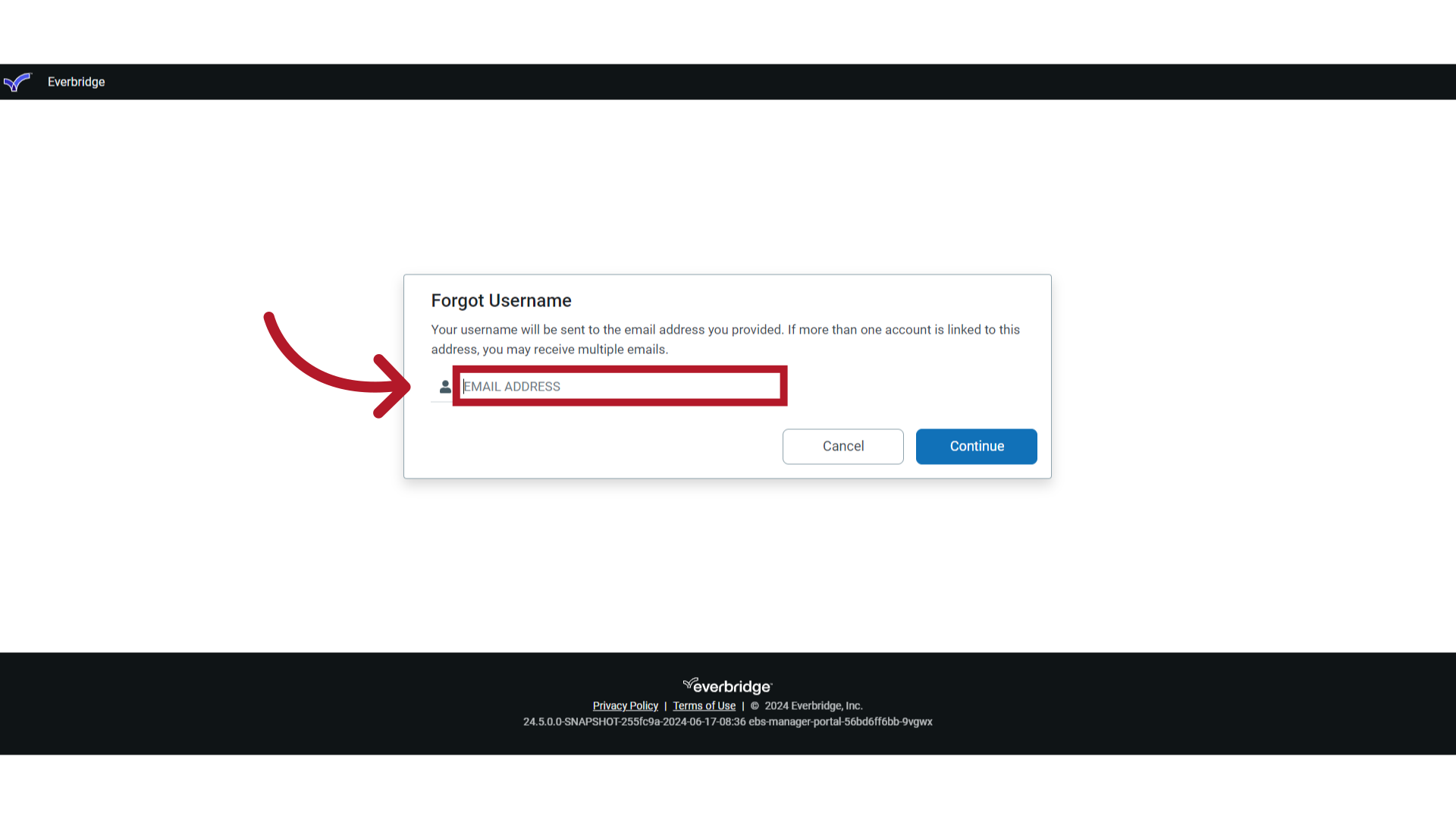
00:24: Your username will be sent to the email address you provide here.

00:28: If more than one account is linked to this address.

00:30: You may receive multiple emails.

00:33: Enter your email address in the format of name at sign and domain name.

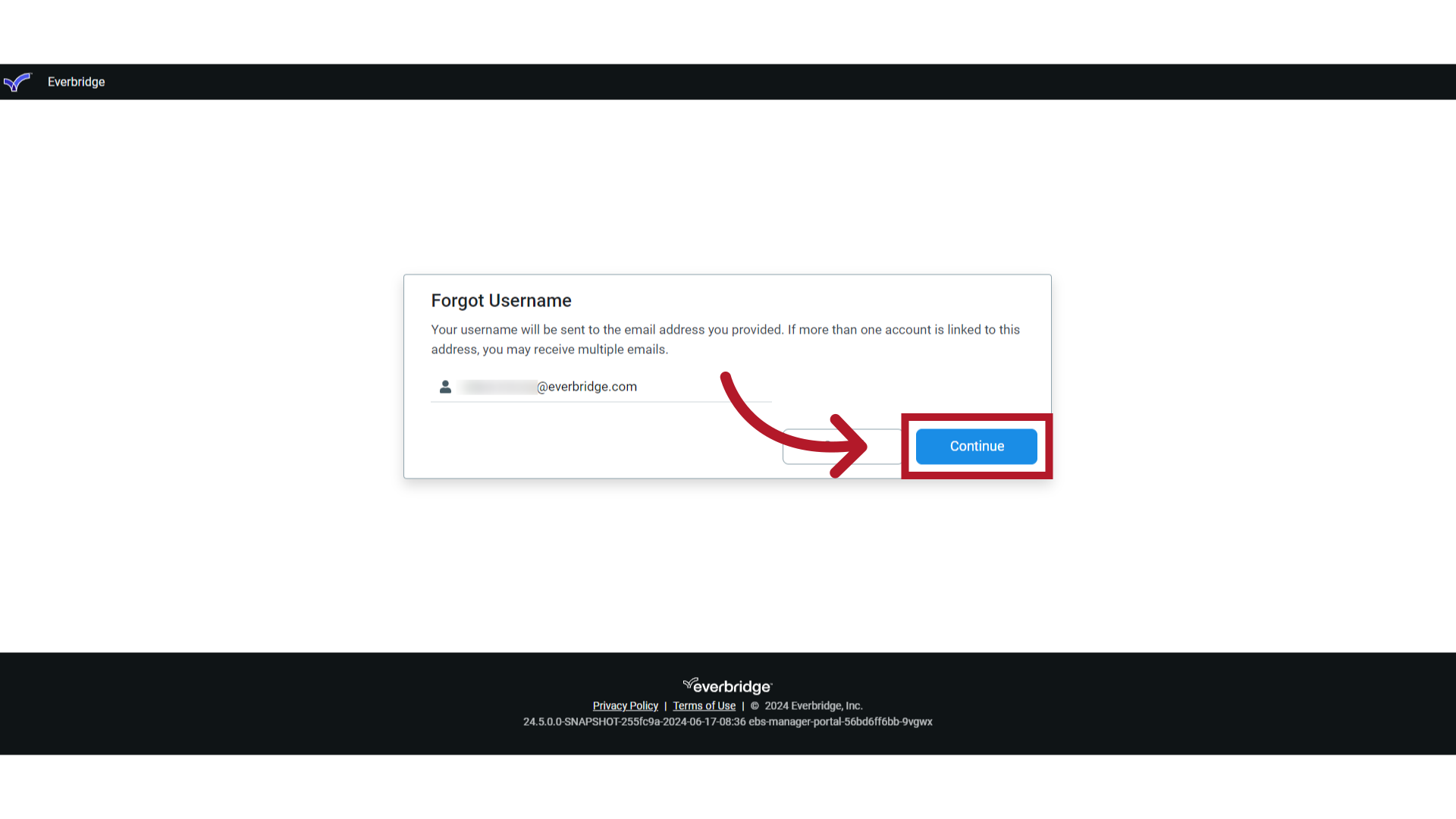
00:39: Click continue

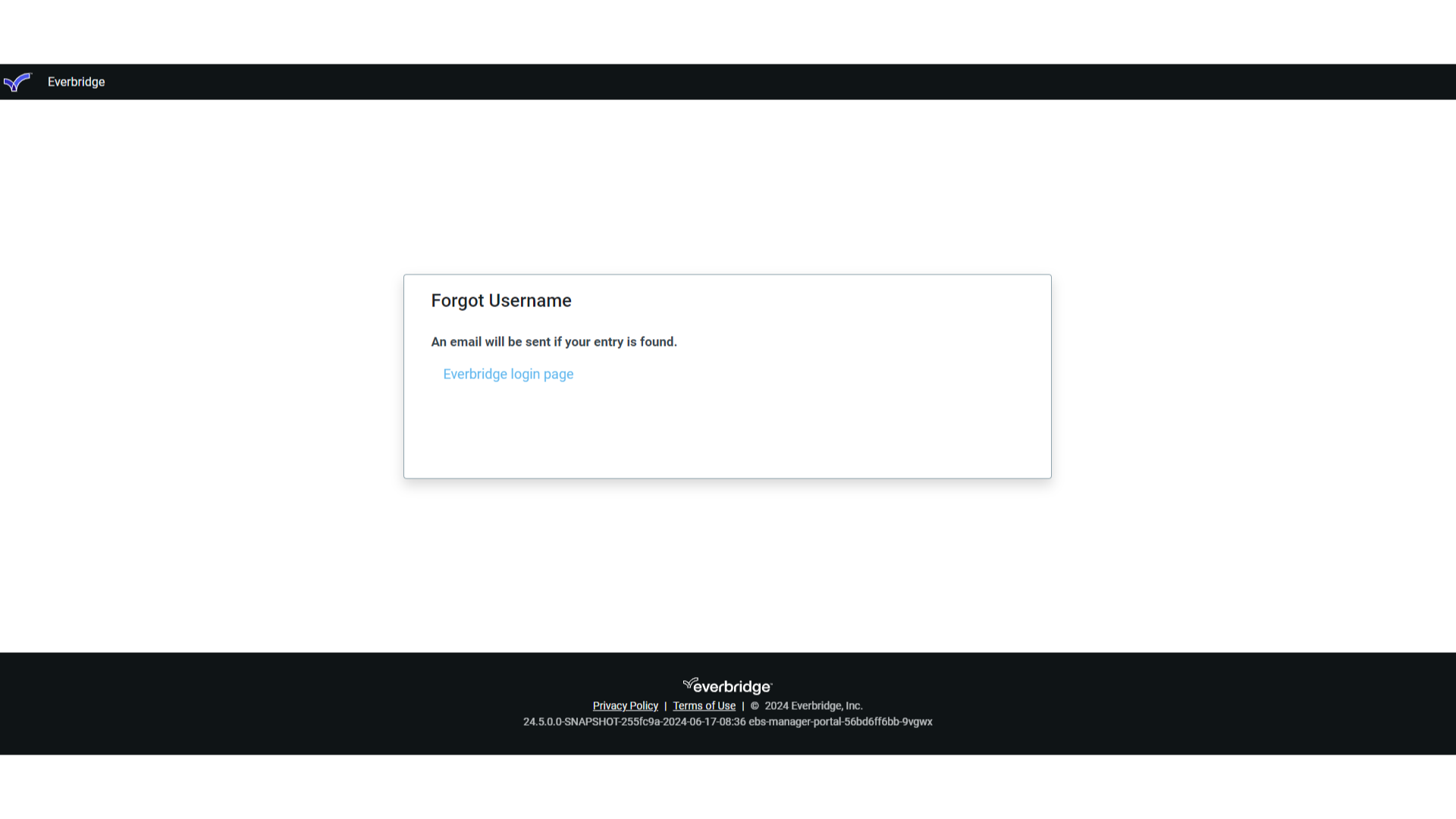
00:42: An email will be sent if your entry is found.

00:45: Check your email to determine your recovered username.

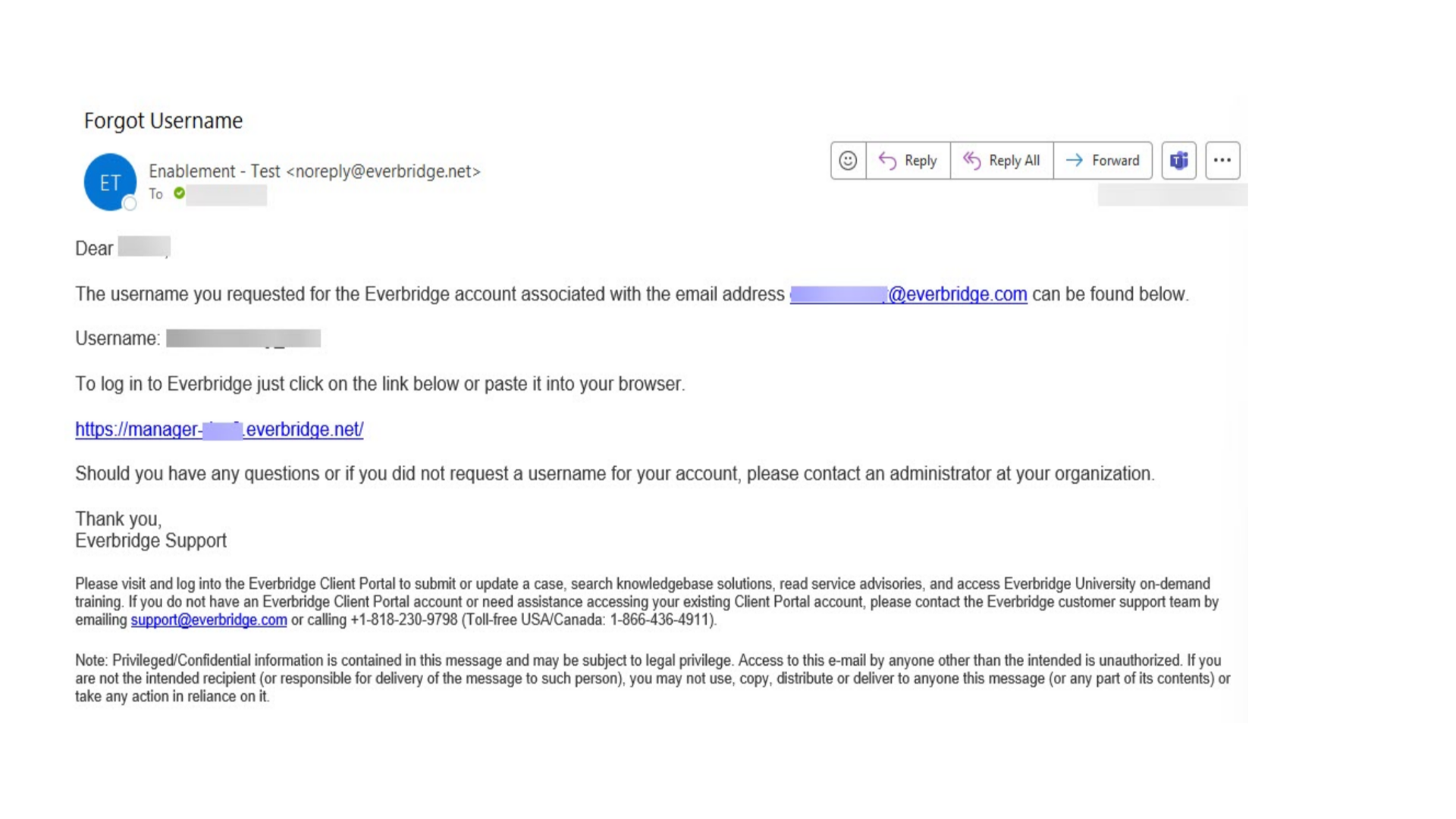
00:49: Here is an example of the email you will receive if you have entered your information correctly.

00:54: Note the username and the link to the manager portal.

00:57: You may log into the manager portal using the link in the email or the link from

01:01: the forgot username window.

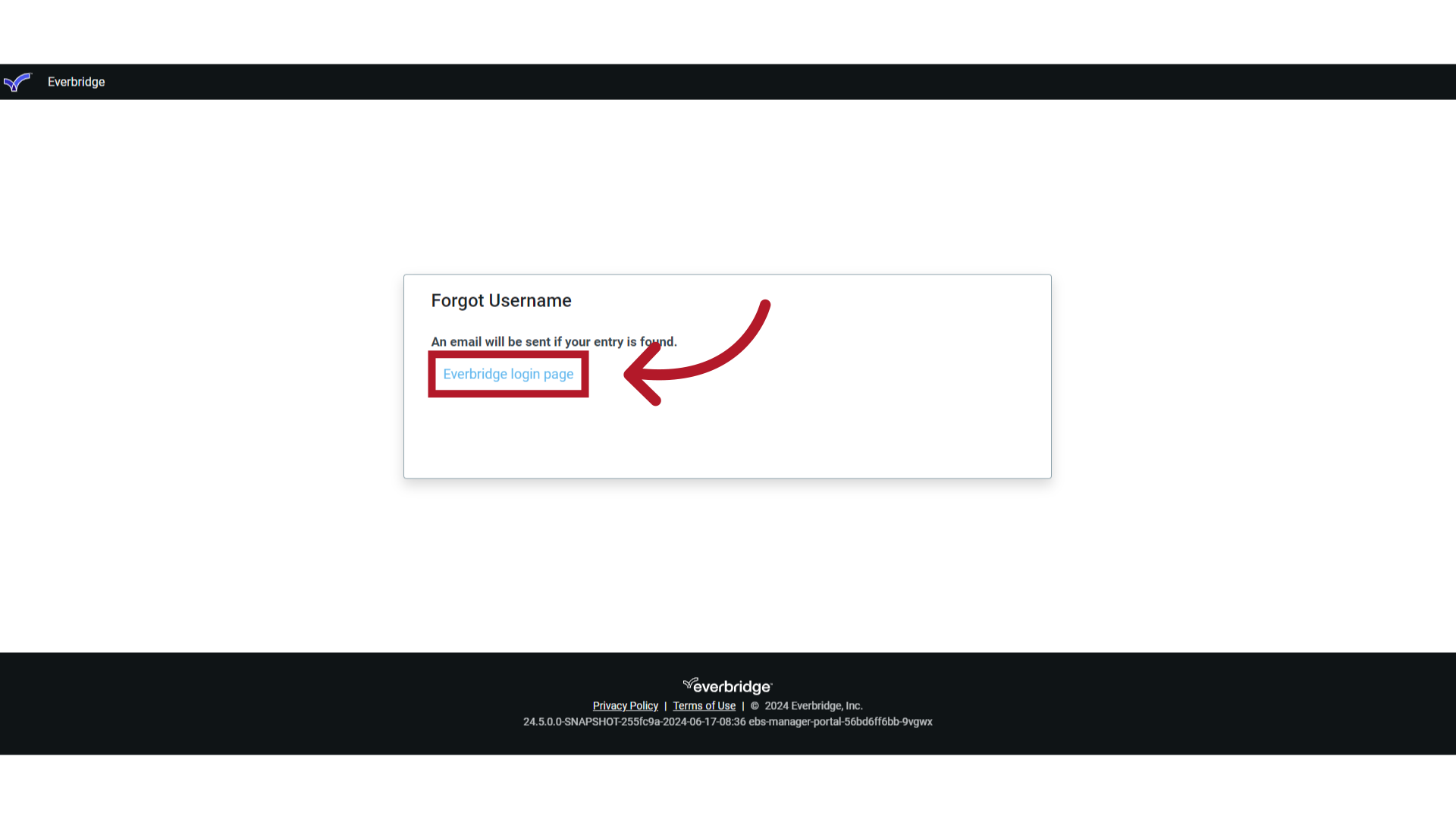
01:05: If you do not use the manager portal Link in the email returned to the forgot

01:09: username window and click on the everbridge login page hyperlink

01:13: to log into the manager portal using your recovered username.

01:18: Access the everbridge support center from the top right corner of the manager

01:22: portal for more micro learning release notes documentation knowledge

01:26: articles everbridge University training Community Q&A

01:30: and ideas security bulletins service advisories system

01:35: status and for submitting and managing your support tickets.

01:40: Thank you for watching.

This video walks you through the process of recovering your Everbridge Manager Portal username.

1. Manager Portal Login

Manager Portal Login 

2. Click Forgot Username Link

Click the "Forgot username" link on the Everbridge login page to start the username recovery process.

Click Forgot Username Link 

3. EMAIL ADDRESS

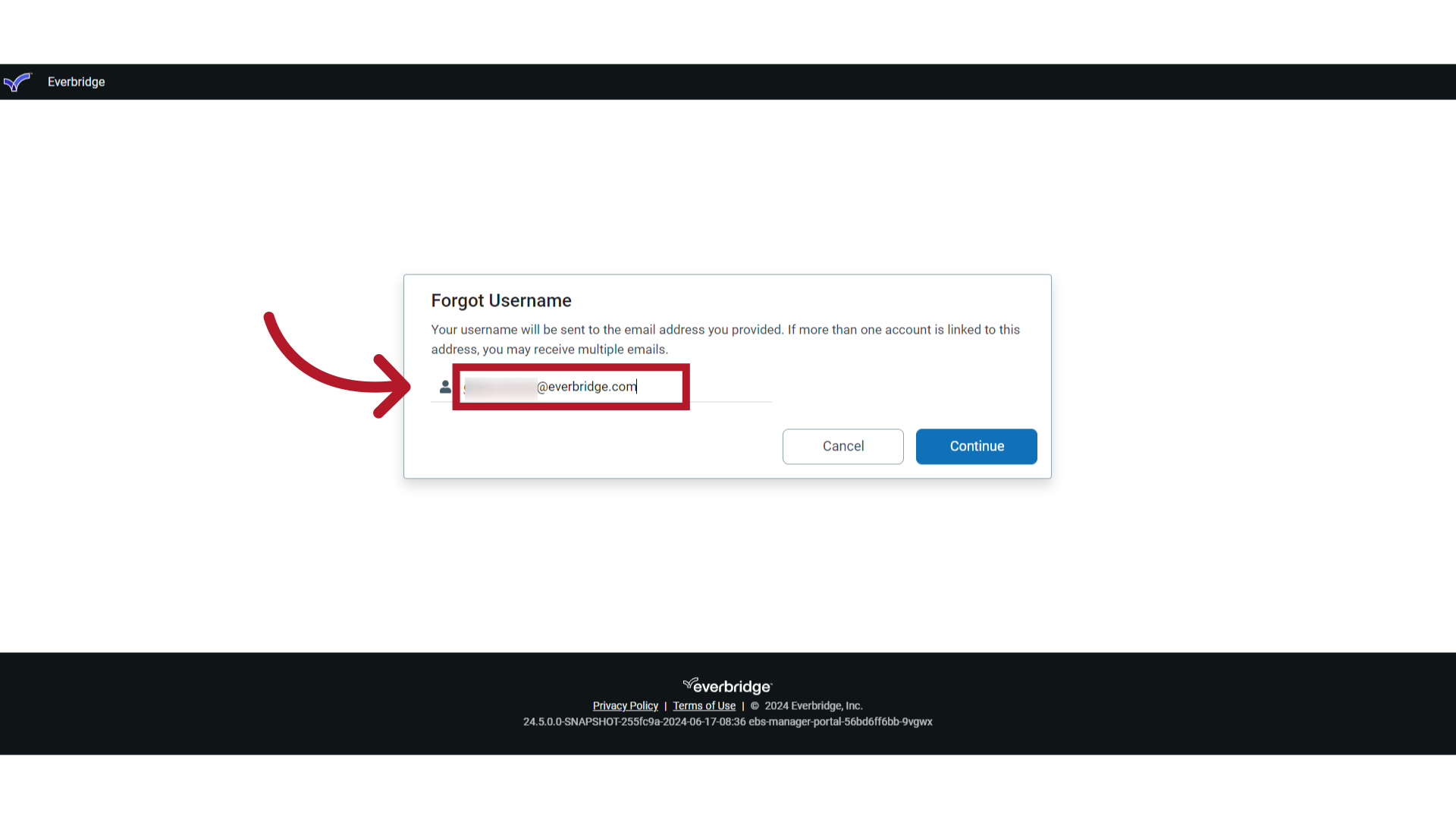
Your username will be sent to the email address you provide here. If more than one account is linked to this address, you may receive multiple emails.
EMAIL ADDRESS 

4. Enter Email Address

Enter your email address in the format of name, '@'' sign, and domain name.
Enter Email Address 

5. Continue

Click "Continue."

Continue 

6. Email

An email will be sent if your entry is found. Check your email to determine your recovered username.
Email 

7. Email

Here is an example of the email you will receive if you have entered your information correctly. Note the username and the link to the manager portal. You may log in to the manager portal using the link in the email or the link from the forgot username window.
Email 

8. Log In

If you do not use the manager portal link in the email, return to the "Forgot username" window and click on the "Everbridge login page' hyperlink to log in to the manager portal using your recovered username.
Log In 

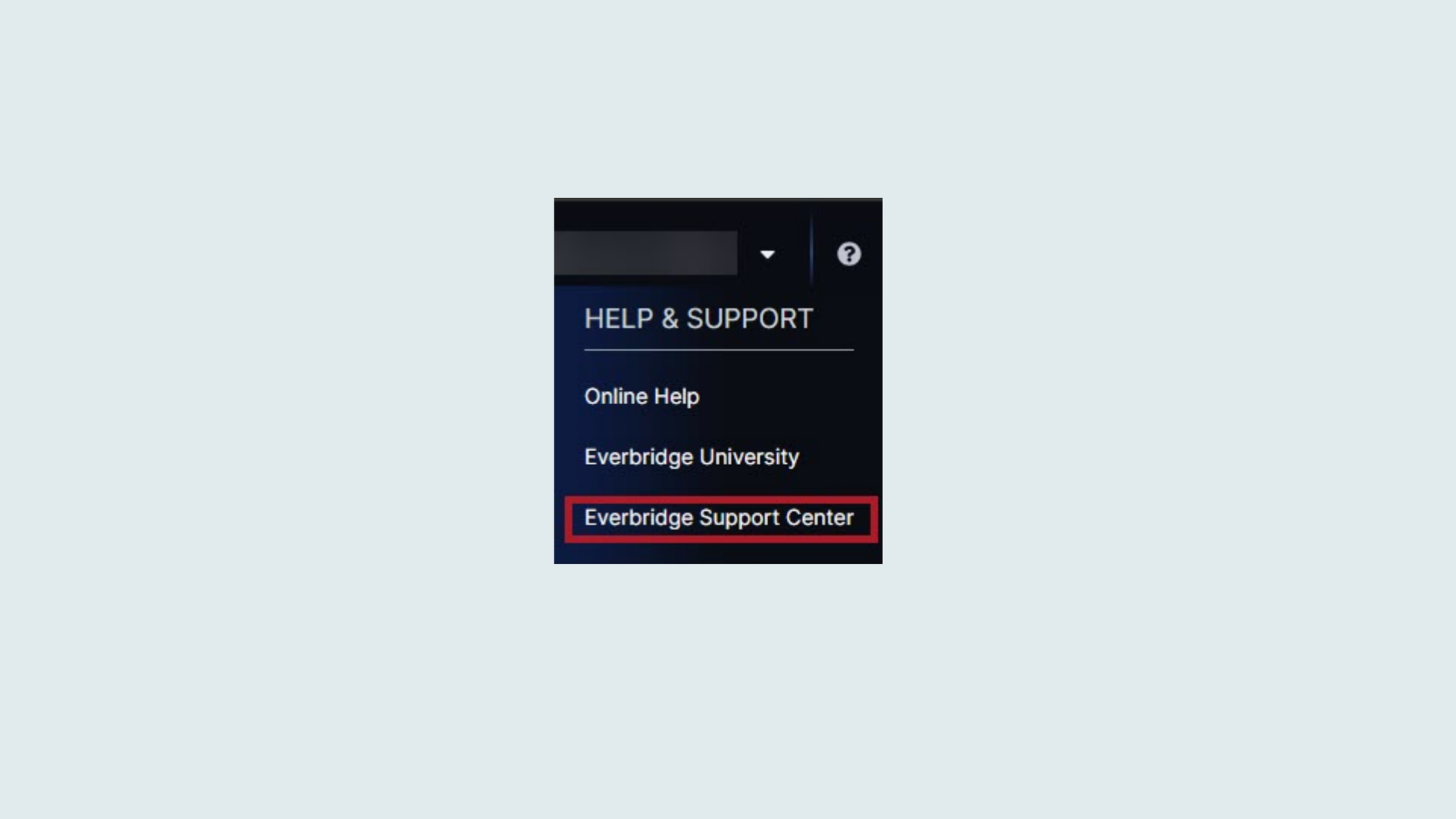
9. HELP & SUPPORT

Access the Everbridge Support Center from the top-right corner of the Manager Portal for more microlearning, release notes, documentation, knowledge articles, Everbridge University training, community Q&A and ideas, security bulletins, service advisories, system status, and for submitting and managing your support tickets.
HELP & SUPPORT

Thank you for watching.
Was this article helpful?
0 out of 0 found this helpful